Best AI Tools for Remote Team Management
Remote team management has never really been about missing software. It has been about missing clarity.

Eddie
May 12, 2026

Remote team management has never really been about missing software. It has been about missing clarity. Distributed teams lose time in handoffs, status chasing, repeated explanations, document drift, and meetings that somehow create more ambiguity than they remove. AI becomes useful here not because it sounds futuristic, but because it can absorb some of that coordination tax.
The best AI tools for remote team management do not just generate text. They summarize work, surface risks, create consistency, reduce context-switching, and help people stay aligned without requiring constant live conversation. In practice, that usually means using a stack rather than a single winner. Different tools solve different pieces of the management puzzle.
What remote managers actually need AI to do

When teams are fully remote or hybrid, the pain points are predictable. Updates get buried in chat. Tasks are created but not truly owned. Meetings happen without documentation. Good information lives in too many places. New team members do not know where to find context. AI is finally starting to address these operational problems in concrete ways.
The four jobs that matter most
- Turn messy communication into useful summaries.
- Convert conversation into tasks, owners, and deadlines.
- Surface risks, blockers, and workload issues earlier.
- Make project context easier to share across time zones.
Asana - Strongest when execution discipline matters
Asana has leaned hard into AI for work management, and that makes sense because the platform already sits close to execution. Its AI layer is most compelling when a team already tracks owners, deadlines, dependencies, approvals, and workflows inside the product. In that environment, AI is not operating blind. It can summarize project status, accelerate updates, and help teams move from planning to action faster.
Where Asana fits best
Structured teams, agencies, operations groups, and cross-functional departments often get the most value from Asana because they already think in projects and systems. If the work is visible, the AI has something real to work with. If the work is scattered across chat and memory, no AI layer can save it.
monday.com - Compelling for visibility and risk spotting
monday.com is especially interesting for remote management because it tries to bring planning, execution, and reporting into one AI-powered operating layer. That matters for distributed teams that need fewer places to check and fewer manual status rituals. The platform positions itself around AI assistants, agents, reporting, and risk analysis, which maps well to the daily reality of remote operations.
What makes monday.com useful
It tends to work well when managers need high-level visibility without drowning in admin. If your team runs requests, projects, campaigns, or product workflows in monday.com, the AI layer can help classify information, prompt next steps, and reduce the time spent assembling reports by hand.
ChatGPT - Increasingly useful as a shared work layer
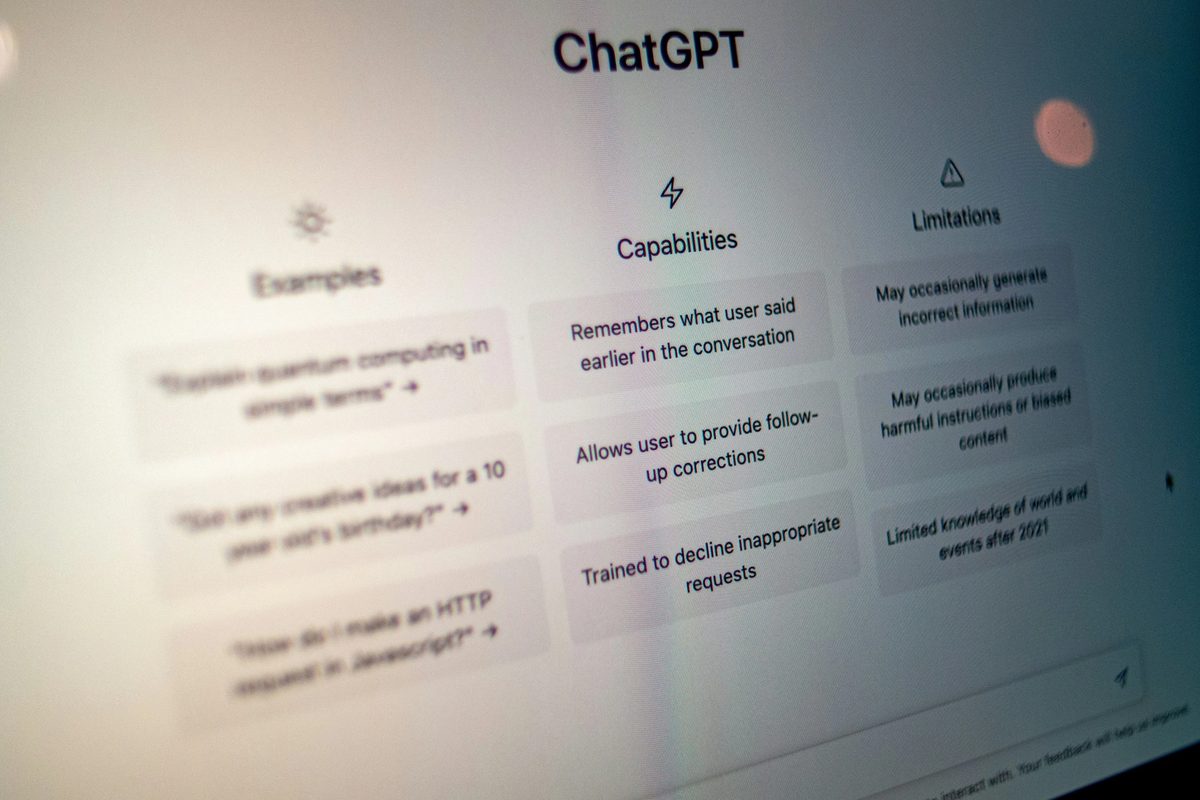
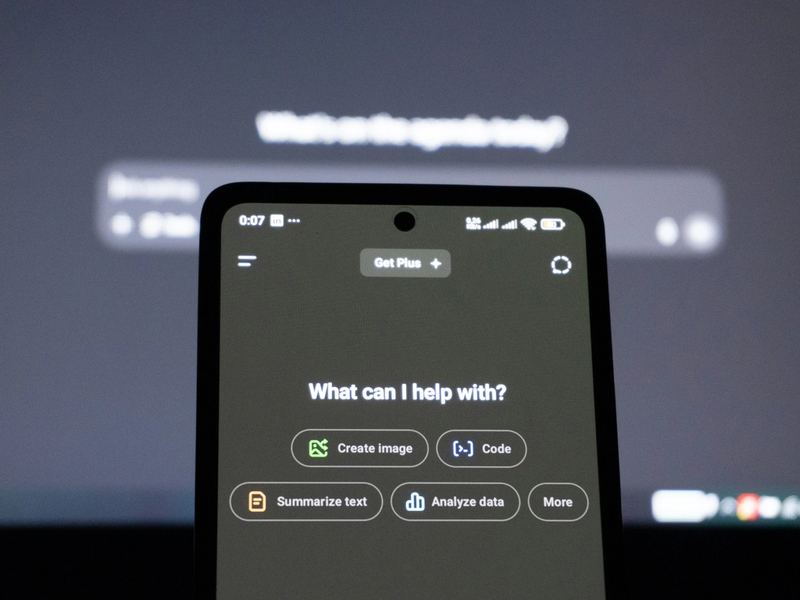
A general-purpose assistant still deserves a place in many remote stacks, and ChatGPT has become more relevant to teams because it is no longer only an individual brainstorming tool. In Business workspaces, shared projects let teammates work from the same instructions, files, and context, which is useful for recurring work like reporting, client management, research, internal documentation, and content production.
Why this matters for remote teams
Remote work breaks down when each person is solving the same problem from a different starting point. Shared project context lowers that duplication. Instead of every employee rebuilding the background manually, the team can keep guidance, files, and accumulated knowledge in one working space and generate output that stays more consistent in tone and scope.
Where ChatGPT shines
- Drafting updates, briefs, and summaries quickly.
- Turning rough notes into cleaner documentation.
- Helping managers think through staffing, communication, and process problems.
- Producing first-pass materials that can then be checked by humans.
Knowledge tools matter more than many teams realize
A lot of remote-management pain is actually knowledge-management pain. If people cannot find decisions, meeting outcomes, SOPs, or project history, management starts to feel like repeated rescue work. Platforms like BuildIn and other knowledge-first collaboration tools matter because they reduce the cost of finding context. Add AI to that layer and the value improves: long documents get summarized, pages can be drafted faster, and the burden of maintaining documentation becomes lighter.
This is especially valuable for asynchronous teams
The more async your team is, the more your documentation quality becomes a leadership issue. Good remote teams are not simply chatty. They are legible. AI helps make them more legible.
Meeting AI is underrated because meetings are expensive
Many remote teams still spend an unreasonable amount of time repeating what happened in meetings. AI note-takers and meeting assistants can turn discussion into summaries, decisions, and action items, which reduces follow-up confusion. Even if these tools are less glamorous than general-purpose chatbots, they attack one of the most annoying taxes in remote work: the cost of translating live conversation into shared progress.
How to choose the right stack instead of collecting shiny tools
The mistake many teams make is buying AI products in isolation. Each one demos beautifully on its own, but together they create a cluttered stack. The better move is to identify where your coordination is weakest right now and buy against that problem. If the issue is execution, strengthen the work-management layer. If the issue is documentation, strengthen the knowledge layer. If the issue is writing and thinking, strengthen the assistant layer.
A simple way to think about the stack
- One system of record for projects and ownership.
- One knowledge layer for documentation and context.
- One flexible assistant for drafting, reasoning, and cleanup.
- Optional meeting AI if meetings are a big source of waste.
The human side still decides whether the tools work
No AI feature can fix a team that avoids clear ownership, refuses documentation, or changes process every two weeks. The best remote-management tools amplify good operating habits. They do not substitute for them. That means rollout matters. Teams need conventions around where work lives, how updates are logged, what AI outputs can be trusted, and where human review is required.
This is also why the best AI tool for remote team management is often the one your team already uses consistently. Familiarity, adoption, and integration matter more than novelty.
The strongest remote teams will use AI to reduce drag, not replace management
That is the real opportunity. AI is not here to become the manager. It is here to remove the repetitive drag that makes management slower and more reactive than it needs to be. When deployed well, it shortens the distance between discussion and execution, keeps context easier to access, and helps distributed teams move with more confidence.
In 2026, that is probably the best standard for evaluating any remote-team AI tool: does it make the team easier to run, easier to understand, and easier to keep aligned when people are not in the same room? If the answer is yes, it is worth serious attention.