How to Use ChatGPT for Data Analysis
Harnessing the power of ChatGPT for data analysis can transform the way you handle complex datasets.

Eddie
January 19, 2026

Using ChatGPT for data analysis can transform the way you handle complex datasets. Especially when equipped with advanced data analysis features, it can allow users to execute tasks such as summarizing large datasets, cleaning them, and extracting key insights with minimal effort. ChatGPT's natural language interface means you don't need advanced coding skills to interact with your data. Tasks that once seemed daunting and time-consuming can become manageable and efficient, freeing up valuable time for deeper analysis and decision-making.
Setting Up ChatGPT for Data Analysis

Understanding ChatGPT’s Advanced Data Analysis Features
ChatGPT's Advanced Data Analysis (ADA), formerly known as Code Interpreter, is a robust feature in GPT-4 designed for premium users. It allows users to upload data files directly and enables writing and testing code within the chat window. This feature leverages Python in a sandboxed environment, which greatly enhances the types of analyses you can perform and the accuracy of your results. Whether you aim to explore datasets, create visualizations, or conduct empirical research, ADA simplifies these processes. It supports various file formats like CSV, TXT, and JSON, and it can understand and transform data using programming languages such as Python, making it an invaluable tool for complex data tasks.
Accessing the Tools - What You Need to Get Started
To start using ChatGPT for data analysis, you’ll need a premium account to access the Advanced Data Analysis feature. Begin by opening a chat with the GPT, then upload your dataset using the interface’s file upload feature. This could include data types like text files or structured data files such as CSVs or Excel (.xls, .xlsx). The system is integrated with Numerous and other tools that facilitate data handling to create a seamless experience, resulting in efficient data processing and analysis.
Navigating Data Privacy Concerns
While utilizing ChatGPT for data analysis, it is crucial to be aware of data privacy issues. Avoid sharing sensitive or personally identifiable information, such as social security numbers or personal financial data, to adhere to privacy laws like the Family Educational Rights and Privacy Act (FERPA). By maintaining strict data management protocols, you ensure compliance and safeguard data integrity throughout the analysis process.
Preparing Your Data for Analysis

Cleaning and Structuring Data for ChatGPT
Data cleaning is an essential step before analysis. A clean dataset minimizes errors and enhances the accuracy of an analysis performed by ChatGPT. Consider removing duplicates, correcting inconsistencies, and standardizing data formats. For instance, ensure all date formats are consistent and text entries are uniformly capitalized. By structuring your data into clear rows and columns with descriptive headers, you provide context that helps ChatGPT yield more precise outputs.
Segmenting Large Datasets
Given ChatGPT's limitations in processing very large datasets, a useful strategy is to segment your data into manageable chunks. For example, instead of uploading a 10,000-row dataset in one go, divide it into smaller batches of 200-500 rows. This segmentation aids in avoiding input size constraints and ensures the software’s efficiency in handling and responding to queries.
Supported Data Formats and File Types
ChatGPT supports multiple data formats, which makes it versatile for various analysis tasks. The primary formats include plain text (.txt), CSV, TSV, Excel (.xls, .xlsx), and JSON. The ability to handle these formats means you can apply ChatGPT to perform qualitative analyses such as extracting themes and patterns, or even parsing unstructured data like email threads. For spreadsheet-based data, tools such as Numerous enhance capabilities, allowing you to automate multiple analytic functions within platforms like Google Sheets and Excel.
Utilizing ChatGPT for Various Data Analytic Tasks

Summarization and Categorization Techniques
ChatGPT excels at providing summarization and categorization capabilities for data analysis. When working with large datasets, such as customer reviews or survey responses, ChatGPT can efficiently extract key insights and themes. For example, in handling customer feedback, ChatGPT can summarize common complaints or praises, identify frequently mentioned keywords, and categorize them into positive, negative, or neutral sentiments. This process allows businesses to understand customer opinions quickly without manually sifting through extensive datasets.
Running Regressions and Trend Analysis
ChatGPT is also adept at handling tasks requiring running regressions and analyzing trends. By leveraging Python scripts built into its environment, ChatGPT can provide regression analysis that predicts future data trends. These analyses help businesses forecast sales figures or customer behavior based on historical data. The tool can identify patterns and anomalies, thereby providing valuable insights into fluctuating data trends across different time periods.
Sentiment Analysis and Text Mining
Sentiment analysis is another area where ChatGPT shines. It can determine the emotional tone within large text datasets, such as social media posts or customer reviews. This involves categorizing the text into positive, negative, or neutral sentiments, enabling companies to gauge public perception of their products or services. Text mining extends these capabilities by extracting essential themes or trends from unstructured data, offering deeper insights into public sentiment and conversational topics.
Visualizing Data with ChatGPT
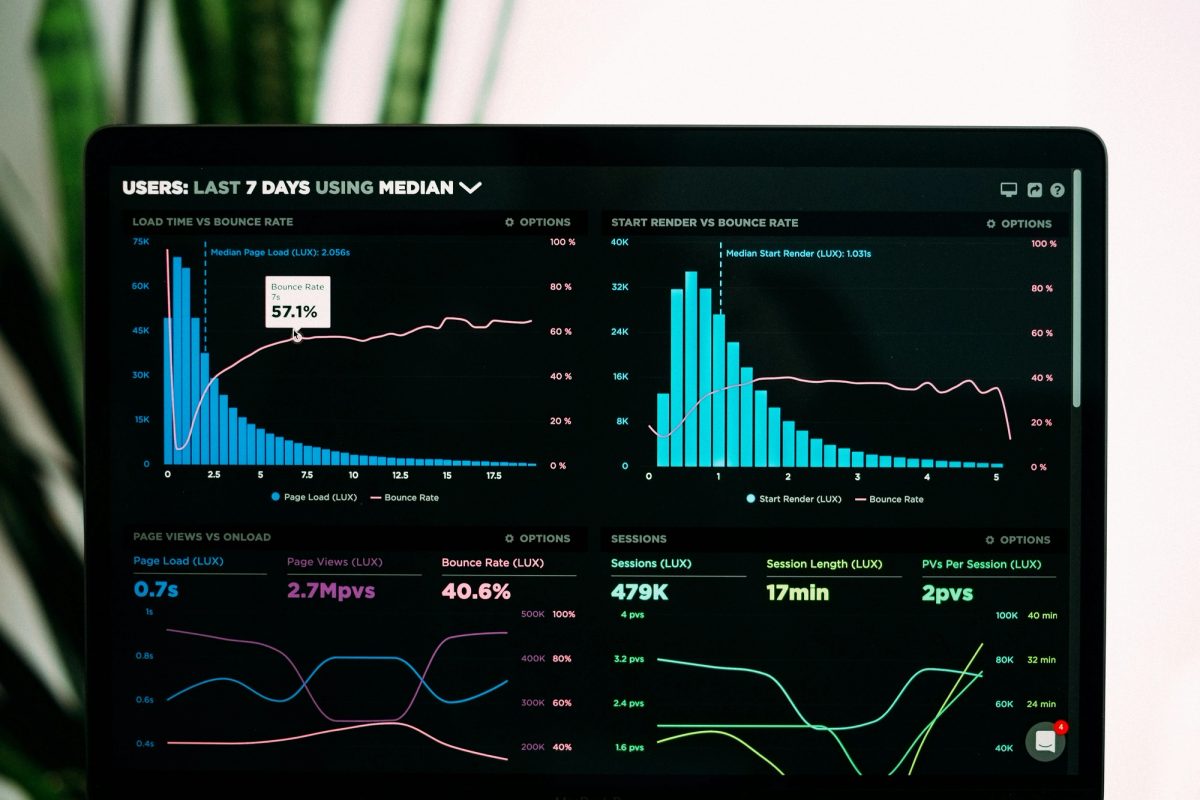
Creating Basic Visuals - Pie Charts and Bar Graphs
ChatGPT can create basic data visualizations, such as pie charts and bar graphs, to represent summarized data effectively. Users can generate these visuals by providing specific prompts, such as requesting a pie chart showing the distribution of product sales by category or a bar graph highlighting the frequency of customer complaints. This visualization aids in comprehending the data more intuitively and spotting quick patterns or outliers at a glance.
Advanced Visualizations - Heatmaps and Scatter Plots
For more complex analysis needs, ChatGPT is capable of producing advanced visualizations like heatmaps and scatter plots. Heatmaps are beneficial in visualizing the intensity of data points over a region, useful for understanding geographical sales distributions, for instance. Scatter plots, on the other hand, can illustrate relationships between two variables, highlighting correlations or data clusters. These advanced visualizations help in uncovering deeper layers of understanding from the dataset.
Enhancing Visuals with Custom Settings
ChatGPT also provides the flexibility to enhance and customize visualizations to accommodate specific presentation and styling needs. Users can request visual settings adjustments, such as altering color schemes or modifying graph types to better fit their reports or presentations. Customization aids in highlighting crucial data points, thereby making the visual output more appealing and effective for communication with stakeholders. For instance, users can adjust the colors in sentiment analysis graphs to better align with their brand's color palette, ensuring consistency across communication materials.
Implementing Best Practices for Effective Analysis

Crafting Precise Prompts for Optimal Output
The success of data analysis with ChatGPT significantly hinges on the clarity and specificity of the prompts you create. It’s essential to be explicit about what you want to achieve. For instance, rather than asking, "Analyze this data," it’s more effective to prompt, "Summarize the most common complaints from column A." Providing context, including labels or data ranges, ensures that ChatGPT understands your requirements fully. Using specific action verbs like “summarize,” "categorize," or "analyze" can further refine the AI's response. Testing and refining prompts with small data samples initially can also help in achieving the desired outcome before scaling the analysis for larger datasets.
Verifying Data Accuracy and Validating Results
While ChatGPT offers robust capabilities, it's still critical to verify the accuracy of the output. Misinterpretations can occur; hence, reviewing results against the original data is a necessary step. Use supportive tools or data visualizations to cross-check findings and ensure alignment with known trends. Adjustments in prompts may be necessary based on initial outputs to enhance accuracy.
Leveraging Automation Tools and Techniques
Automation tools like Numerous can be leveraged alongside ChatGPT to optimize the data analysis process. These tools help in automating repetitive tasks such as data cleaning, categorization, and summarization. ChatGPT can be integrated within spreadsheet tools, like Google Sheets and Excel, to apply automated functions across datasets efficiently. Automating these processes not only saves time but ensures consistency across analysis.
Use Cases and Applications
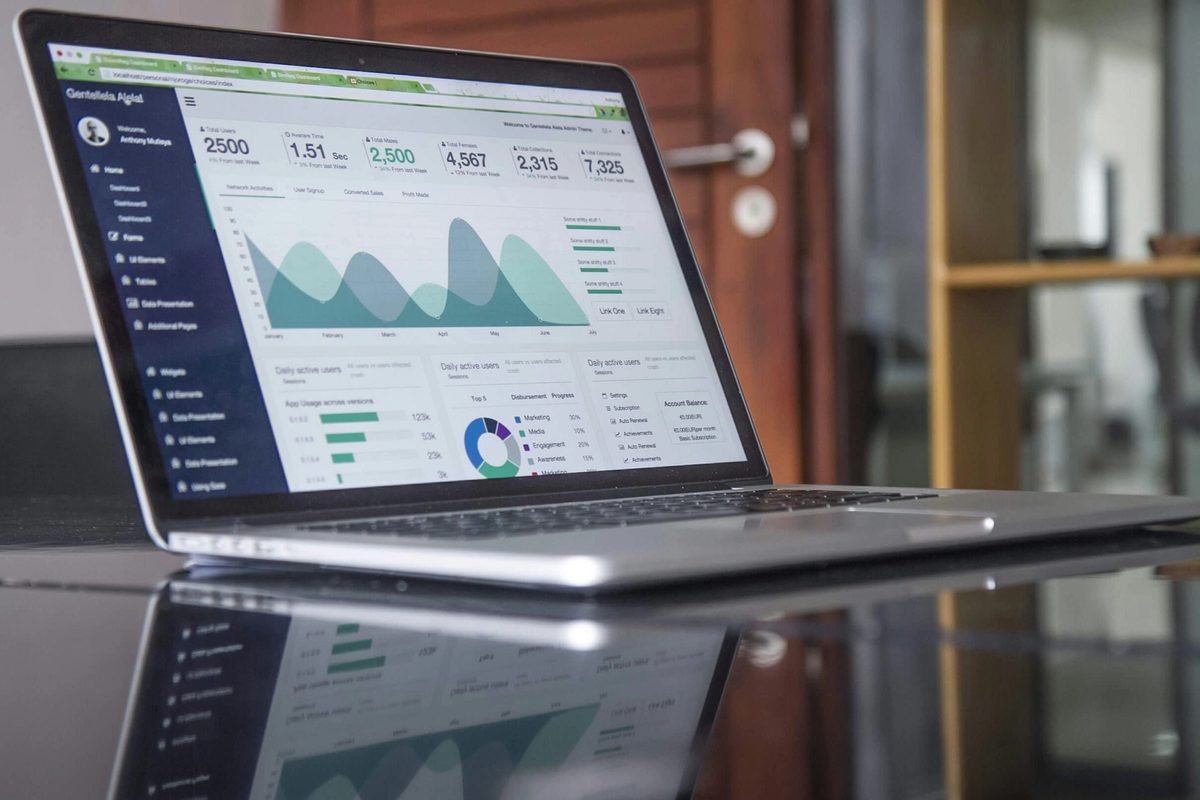
ChatGPT brings versatile applications across various fields due to its ability to handle data insights efficiently.
Business Analytics and Decision Making
Businesses can use ChatGPT to sift through customer feedback, market research data, or sales reports to extract actionable insights. For instance, a company can quickly identify recurring customer complaints or categorize user reviews as positive, neutral, or negative. These insights assist in strategic decision-making, allowing businesses to address pain points promptly and improve their products or services.
Academic Research and Educational Uses
In academia, ChatGPT aids researchers by analyzing large research datasets or scholarly articles, summarizing key themes and insights, and organizing information into coherent narratives. Educational institutions can utilize ChatGPT for processing student feedback, analyzing educational trends, or even automating administrative data tasks.
Unstructured Data Analysis and Insight Extraction
ChatGPT excels in analyzing unstructured data such as social media posts, emails, or chat logs. It can categorize opinions, extract salient themes, and even perform sentiment analysis to gauge public sentiment on various topics. For organizations dealing with vast unorganized datasets, ChatGPT can reorganize this data into structured formats, facilitating easier interpretation and application.
What next with ChatGPT for Data Analysis?
ChatGPT opens up exciting opportunities for data analysis with its advanced capabilities in handling diverse datasets. Whether you are summarizing large datasets, performing sentiment analysis, or generating visual representations, ChatGPT can elevate your data analysis process significantly.
To maximize the potential of ChatGPT, consider the following next steps:
- Explore More Features - Dive deeper into the Advanced Data Analysis feature of ChatGPT, which allows you to explore data with Python code in a sandboxed environment. This tool is particularly beneficial for those with premium accounts looking to automate and simplify complex tasks.
- Experiment with Visualizations - Utilize ChatGPT to create various graphical representations, such as heat maps, pie charts, and bar graphs. These visuals can be essential in recognizing patterns and presenting insights effectively.
- Combine with Spreadsheet Tools - Enhance your data analysis by integrating ChatGPT with tools like Numerous for spreadsheet-based analysis. This not only streamlines your workflow but also brings in more powerful functionalities like data cleaning and trend analysis.
- Refine Prompt Techniques - Continuously refine your prompt crafting skills to ensure that ChatGPT provides accurate and relevant outputs. Using clear, action-oriented language and providing context in your prompts can lead to better results.